三行大字封面模板

用“主题、动作、结果”三行拆开标题,让封面一眼能懂。

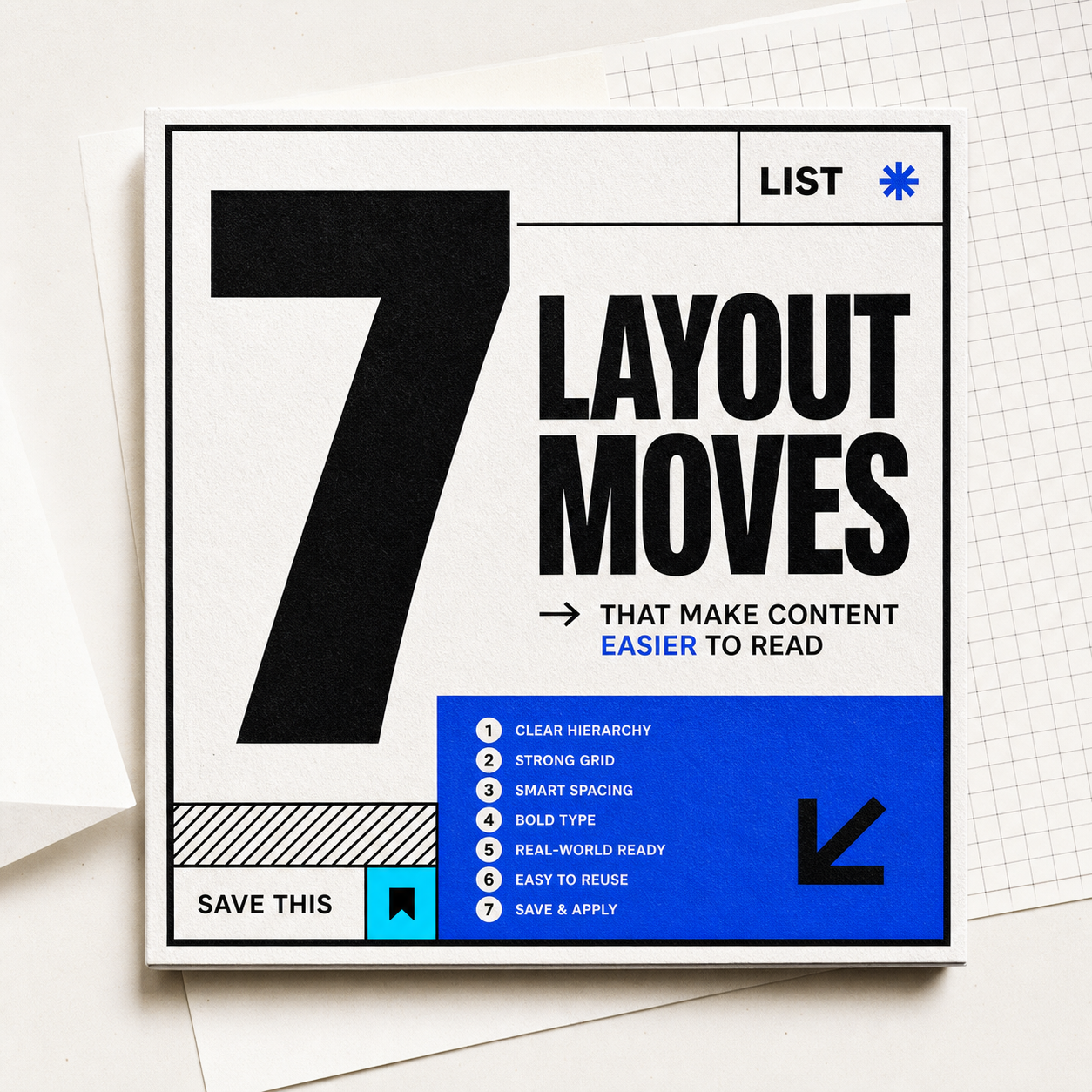
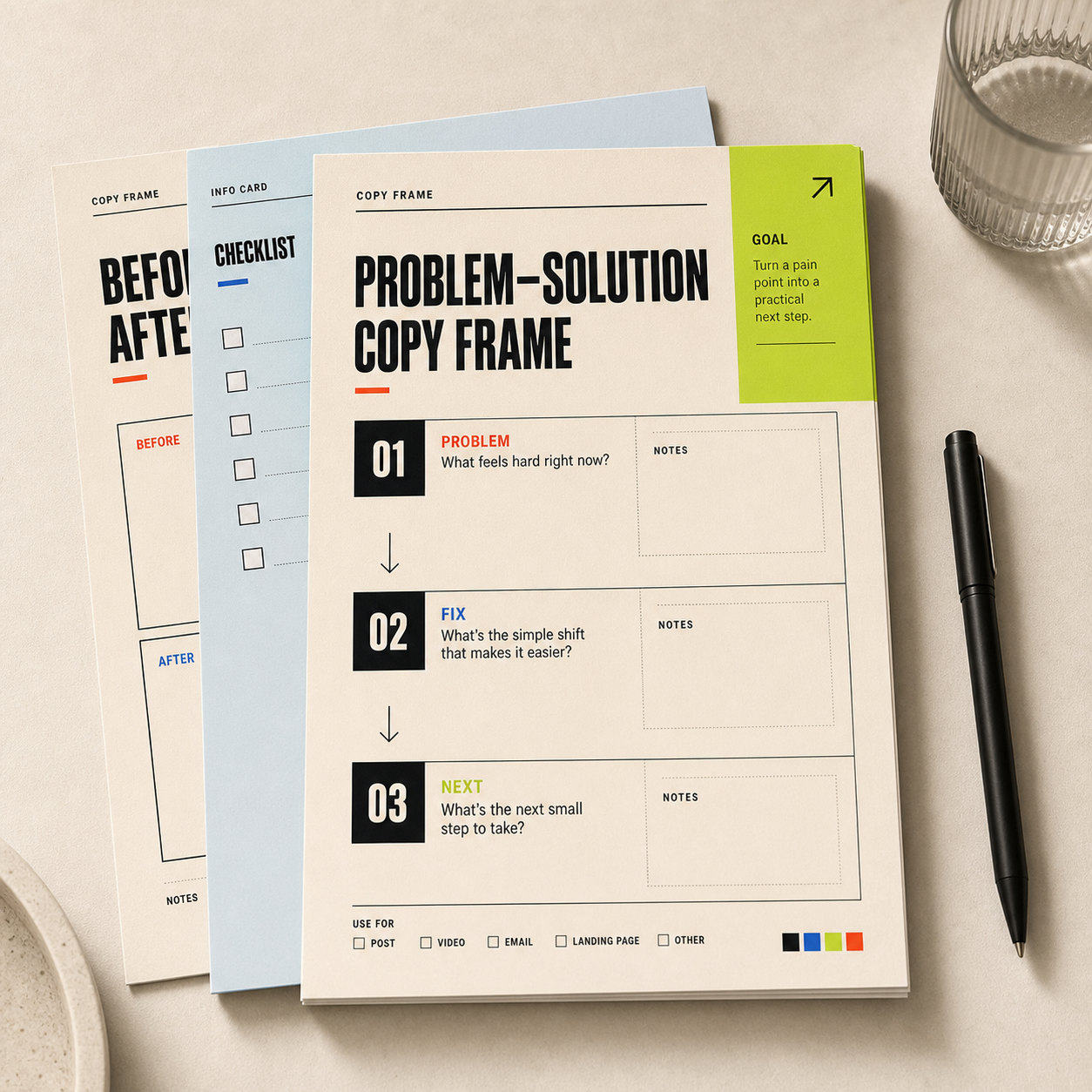
带有黑色大字和荧光绿强调色块的社媒封面模板效果图。
cover

新手必看

封面标题这样排更吸睛

适合教程、避坑、清单类内容

怎么套用

01

第一行:主题

  • 写用户正在关心的对象:封面、简历、菜单、健身、旅行攻略。
02

第二行:动作

  • 用动作短语:这样写、这样排、先检查这几项。
03

第三行:结果

  • 写看得见的收益:更吸睛、更清楚、更容易收藏。

可直接改写的例子

设计规格

颜色数值

Warm paper

#f7f2e8 · RGB(247, 242, 232)

Main background and quiet margin color.

Ink black

#111111 · RGB(17, 17, 17)

Headline, border, and primary text.

Signal red

#ff4b2f · RGB(255, 75, 47)

Small urgency label or one highlight word.

Lime marker

#c8ff42 · RGB(200, 255, 66)

One accent panel, sticker, or underline.

字体和字号

Headline

  • Use a heavy grotesk or condensed sans at 56-72px for square social covers, 900 weight, line-height 0.9-1.0.

Support text

  • Use system sans or grotesk sans at 14-18px, 700-850 weight, uppercase labels only when they are short.

版式规则

Canvas ratio

  • Works best as 1:1 or 4:5. Keep the title inside the left 65% and reserve one accent block on the right or bottom.

Spacing

  • Use 32-44px outer margin, 18-24px inner gaps, and hard 2-4px black borders for the editorial template feel.

制作提示

  • Use 1080x1080 for square posts or 1080x1350 for vertical feed covers.
  • Keep each title line under 12 characters when recreating it in Canva or PowerPoint.

可以替换的部分

替换主题

  • 封面标题
  • 课程海报
  • 旅行攻略
  • 咖啡菜单

替换收益

  • 更好读
  • 更高级
  • 更有秩序
  • 更容易被收藏

不适合这样用

  • 主题需要很多解释时。
  • 用户已经非常熟悉上下文时。
  • 图片本身比标题更重要时。

还能变成

  • 产品页:功能 / 动作 / 结果。
  • 课程页:对象 / 方法 / 收益。
  • 个人介绍:身份 / 证明 / 邀请。

使用注意

  • 每行尽量短。
  • 只保留一个视觉强调色。
  • 让标题成为第一视觉。

适合场景

小红书封面教程首图避坑内容

颜色

相关灵感

继续看相近的结构、风格或使用场景。